What Is Canva?
Canva is a browser‑based graphic design tool that enables users to create stunning visuals without professional-level design expertise. From social media graphics to presentations, documents, posters, thumbnails, banners, and marketing material, Canva provides a versatile, easy-to-use platform suitable for beginners and professionals.
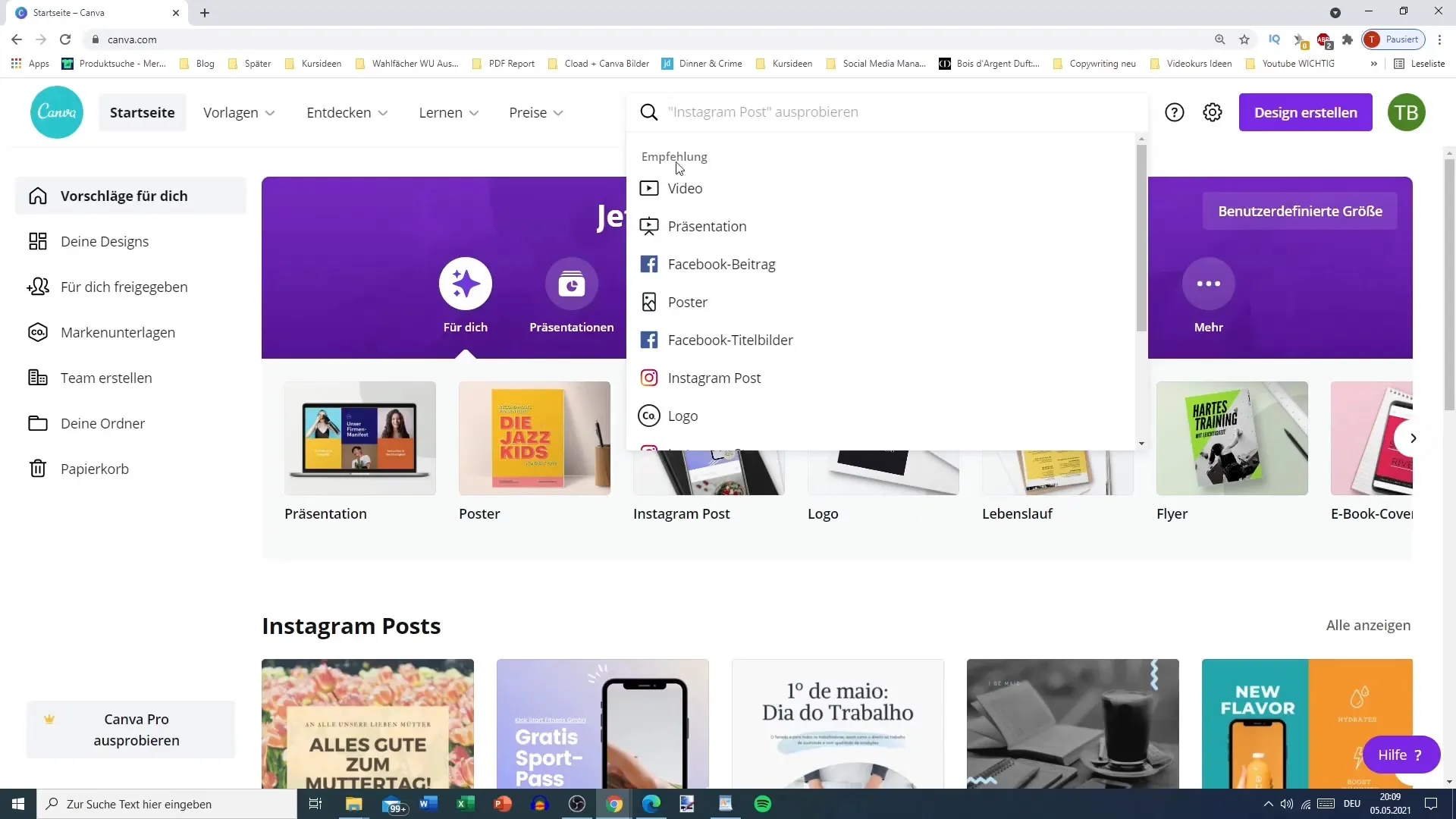
Why Canva Stands Out in 2025
In 2025, Canva continues to dominate the design space with updated AI tools, a larger template library, faster performance, and improved brand management features. Its accessibility and clean UI make it the preferred design tool for students, influencers, startups, freelancers, and corporate teams alike.
Key Features of Canva
- Drag-and-drop editor – intuitive and beginner friendly.
- Thousands of templates for social media, ads, business, education, YouTube, and more.
- Magic Studio (AI tools) – text generator, image generator, background remover, layout suggestions.
- Brand Kit – helps maintain brand identity across designs.
- Collaborative editing – live teamwork and commenting.
- Cloud-based – designs sync across all devices.
Canva Pricing (Free vs Pro)
Canva has a generous free plan, but Canva Pro unlocks its full potential, especially for businesses and serious creators.
Free Plan Features
- Basic templates
- Limited elements and fonts
- 5GB cloud storage
- Basic editing
Pro Plan Features
- 100+ million premium photos and videos
- AI tools (Magic Write, Magic Design, BG remover)
- Brand Kit Pro
- Premium templates updated weekly
- Unlimited cloud folders
- Social media scheduling tools
Who Should Use Canva?
Canva works exceptionally well for:
- Students creating assignments & presentations
- YouTubers making thumbnails and channel art
- Entrepreneurs designing ads & product creatives
- Freelancers delivering design services
- Social media managers handling brand accounts
- Teachers preparing visual teaching material
Pros & Cons
Pros
- Extremely easy to use
- Huge library of templates
- Powerful AI tools
- Supports team collaboration
- All-in-one workspace for design & branding
Cons
- Not as advanced as Photoshop for detailed editing
- Some premium assets require Pro
- Requires internet for full functionality
FAQs – Canva Review 2025
Yes, Canva has a free version, but for advanced tools like AI, premium templates, and background remover, Canva Pro is recommended.
For beginners and content creators, yes. For advanced editing professionals, Photoshop offers deeper control.
Yes, you can start a Canva Pro free trial using the link on this page.
Absolutely. Canva offers hundreds of customizable YouTube thumbnail templates.
Yes, especially with the Brand Kit, team collaboration, and premium content library.
Final Verdict – Is Canva Worth It?
Yes. Canva is one of the most efficient and accessible design platforms in the world. Whether you're running a business, creating content, or studying, Canva offers unmatched simplicity and speed. Canva Pro is especially valuable if you want premium templates, AI tools, and professional branding features.
Start Designing with Canva